
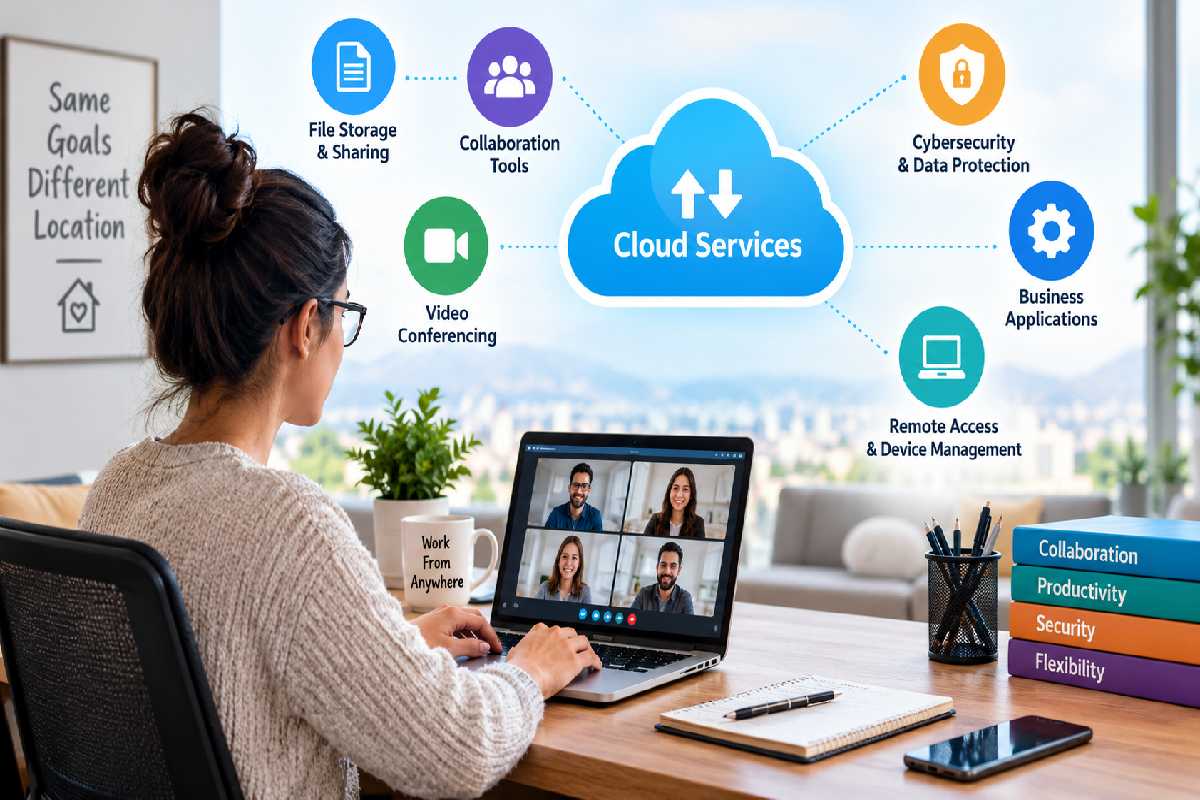
Cloud services let a remote business store files, hold meetings, approve invoices and send paperwork without a shared office. Each one covers work that used to depend on a server closet, a conference room or a front-desk drawer, so a team spread across several states can still work from the same set of records. Picking a small group of services and setting them up works better than collecting every tool on the market.
Table of Contents
Core Services to Set Up First
Four kinds of service cover most of what an office used to provide:
- Shared file storage: Google Workspace, Microsoft 365 and Dropbox keep documents in one place, with permissions that control who can view or edit each folder. Version history lets people restore an earlier draft instead of emailing copies around.
- Paper-based tasks: Some back-office jobs often end with a physical result, such as a formal letter that has to be mailed. A remote business can upload the PDF to com and have it printed and sent as USPS Certified Mail with tracking, so nobody needs a printer or a trip to the post office.
- Video calls and team chat: Channels keep each project’s conversation in one thread, and a video call replaces the walk to a colleague’s desk. Zoom, Microsoft Teams and Slack all handle both and offer free plans for small teams, so a business can try one before paying.
- Accounting and payroll: Online accounting software lets a bookkeeper reconcile accounts, approve invoices and run payroll from any location, while the owner sees current reports when needed.
Keeping Shared Files Easy to Find
Agree on one folder structure before the first upload, with top-level folders for clients, finance, HR and templates, and a naming habit that puts the date first. People in different time zones can’t lean over and ask where a file lives, so a predictable layout answers that question for them. Set permissions by folder rather than by file, which keeps access changes quick when someone joins or leaves.
Protecting Accounts and Backups
Most business cloud providers include multi-factor authentication and role-based permissions, and turning both on means a stolen password alone can’t open every folder. Backup is a separate job from storage, because stored files can be edited or deleted by anyone with access, while a backup keeps a recoverable copy in case of loss, ransomware or a system failure. Confirm that backups run automatically, and have someone restore a test file once so the process is familiar before it’s needed.
Choosing Plans as the Team Grows
Paid tiers add features a new remote business may not need on the first day, so upgrade a service only when message limits, meeting length or storage begin to matter. Write down which service handles which job, who administers it and what it costs each month, and review that list every quarter, removing anything nobody uses. A short record like that keeps duplicate subscriptions from piling up and shows a new hire where everything lives on the first day.